

A power-up can bring a throw back to your hand in Bowling Blitz. We call this ability Time Reversal: press the button for its slot after releasing the ball, and the ball follows its recorded path backward before returning to your hand. The timing matters, though. You must use it before the ball reaches the pins.
How to bring the ball back
Bowling Blitz uses controllers. To bowl, pick up a ball from the rack with the grip button, swing your controller and release. Your controller’s velocity determines the throw speed, while your wrist angle adds spin. The game also steers the ball a little toward the pins in every mode.
When Time Reversal is available, using it follows this sequence:
- Check which power-up slot holds Time Reversal.
- Throw the ball and watch its path down the lane.
- Before it reaches the pins, press X for the left slot or A for the right slot.
- Let the ball return along its path into your hand, then throw again.
The returning ball is grabbed automatically. You don’t need to collect a replacement from the rack for that next attempt. Time Reversal keeps the current roll going, giving you another throw within it.
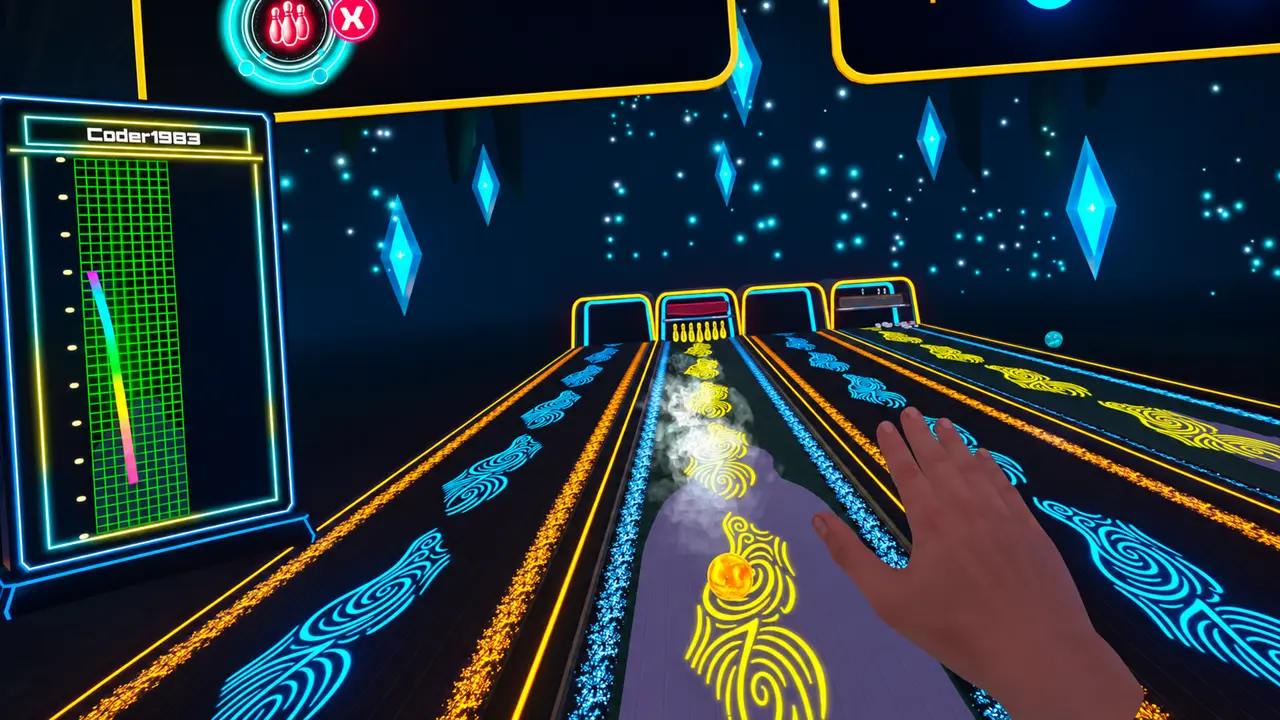
The pins are the cutoff
The clearest rule is also the most useful: activate Time Reversal before contact with the pins. You can’t wait to see how many fall and then bring the ball back.
Time Reversal rewinds the ball along the route it just travelled, all the way into your hand, with a coloured trail that matches the venue.
Find your slot before you throw
Power-ups appear as icons. In modes with two slots, the left slot uses X and the right slot uses A. Check their positions before releasing the ball so you know which button you’ll need during its trip down the lane.
The three power-ups are Time Reversal, Multiball and Speed Boost. Slots start with random power-ups, so starting a game doesn’t guarantee that you’ll have Time Reversal available.
Only one power-up can be used per throw. If you’ve already activated another one on that throw, you can’t follow it with Time Reversal.
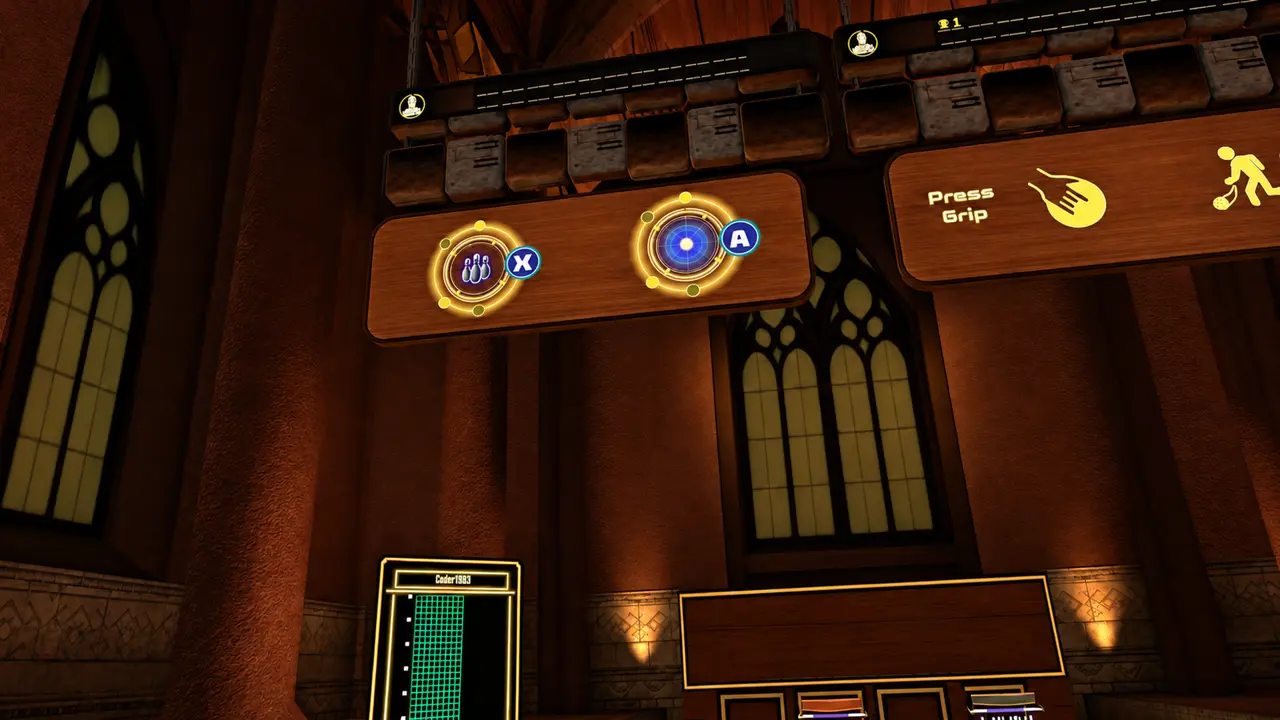
Practice and Power mode handle use differently
We give you two random power-ups in Practice, and using them doesn’t use them up. If Time Reversal is in one of those slots, Practice lets you try its return motion across multiple throws without emptying that slot.
Power mode also starts with two random power-ups, but using one empties its slot. A strike refills an empty slot with a random power-up. The replacement might be Time Reversal, Multiball or Speed Boost, so a refill doesn’t promise another return throw.
Power mode takes place in Celestial Strikes, Sylvan Strikes and Galaxy Rollers. Online multiplayer also offers Power mode with power-ups that are consumed when used and replenished through strikes.
Puzzles has one random power-up slot. Casual has no power-ups, so choose another mode if you want to use Time Reversal.
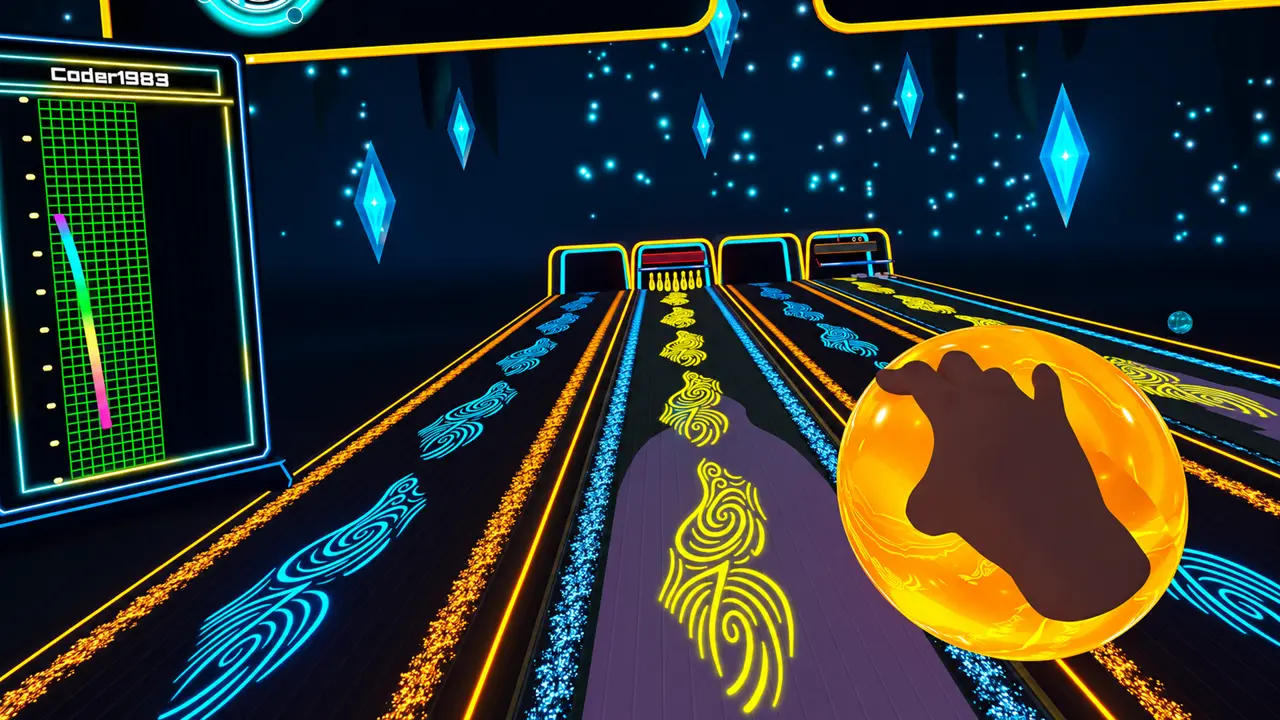
Make the next throw a deliberate one
For an initial attempt in Practice, concentrate on the button and the return rather than changing several parts of your swing together. Check the slot, release the ball, and activate Time Reversal while it is still short of the pins.
